
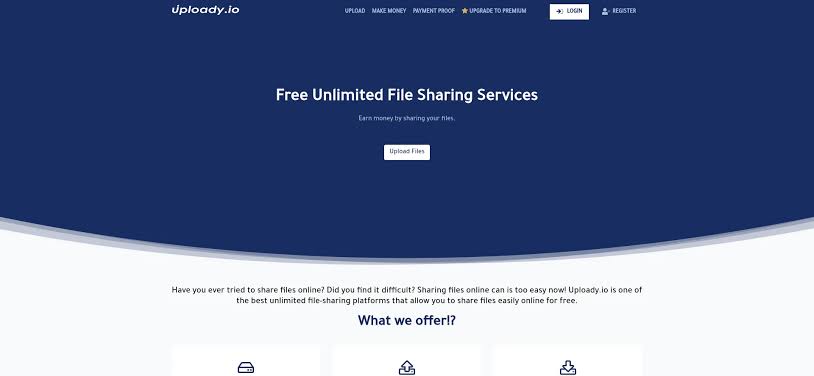
Sending a large video, archive or project folder can quickly become frustrating when email attachment limits get in the way. Uploady provides a relatively straightforward alternative by allowing users to upload a file, generate a shareable link and send that link directly to another person.
However, uploading the file is only part of the process. If you plan to keep a download available for more than a few days, understanding Uploady’s file expiration rules and account options is important.
Start With the Right Upload Method
Uploady allows visitors to begin uploading without creating an account.
For a quick one time transfer, this is often the simplest option. A guest can drag a file into the upload interface, wait for the transfer to finish and receive a shareable link.
Guest uploads currently support files up to 5 GB each.
This makes the guest option useful when you simply need to send a large video, ZIP archive, design package or other file that cannot conveniently be attached to an email.
Understand the Guest File Expiration Rule
The biggest limitation of guest uploading is not necessarily the file size. It is retention.
According to Uploady’s current upload information, guest files can expire after three days without downloads.
That distinction matters.
Imagine uploading a large project on Monday and sending the link to a client who does not attempt to download it until the following week. Depending on activity, the file may no longer be available.
For temporary transfers this may not matter, but guest uploading is less suitable when a link needs to remain usable for an extended period.
Create a Free Account for Longer File Retention
Regular users have another option.
Creating a free Uploady account increases the maximum individual file size to 10 GB and provides access to file management features. Registered users can also organize uploaded content and monitor activity such as downloads and views.
More importantly, files associated with a free account currently expire after 30 days without downloads rather than the three day inactivity period applied to guest uploads.
For people who regularly exchange large files, that additional retention period can make managing download links considerably easier.
Organize Files Before Sharing Them
When several uploads are active simultaneously, descriptive filenames become important.
Avoid leaving files with vague names such as:
final.zip
final2.zip
newfinal.zip
Instead, include enough information to recognize the content later. A filename containing a project name, version and date can make a large collection significantly easier to manage.
Registered Uploady users can also organize content rather than treating every upload as an isolated transfer.
This becomes particularly useful for creators, remote teams and users who regularly distribute large media files.
Protect Sensitive Shared Links
Uploady’s upload interface includes additional options such as link passwords.
When a file is not intended for general public distribution, password protection adds another layer between the download page and the content.
The password should still be delivered carefully. Sending both the download URL and password publicly defeats much of the purpose of protecting the link.
For genuinely sensitive business or personal information, users should also consider whether a general file hosting service provides the level of security and compliance their situation requires.
Choose an Account Based on Your Actual Needs
Not everyone needs the same Uploady setup.
Someone transferring a single large file may be perfectly comfortable using the guest uploader. A frequent user may benefit more from an account because of the higher file size allowance, longer inactivity period and management tools.
Users comparing different ways to access file hosting services may also encounter third party digital marketplaces. For example, z2u.com lists Uploady Accounts among its account related categories. Before using any third party account option, users should check Uploady’s current terms and make sure the account is used in accordance with the platform’s account and credential policies.
Remember That Uploady Is Not a Public File Search Engine
Another important point is that Uploady does not provide a general search function for finding files uploaded by other users.
Files can therefore be shared with selected recipients while other uploads can remain private for storage purposes.
This changes how the service should be approached. Uploady is better understood as a hosting and link sharing service rather than a searchable public library of uploaded files.
Final Thoughts
Uploady can make large file transfers much easier, but choosing between guest uploading and a registered account affects how those files are managed afterward.
Guest uploading is convenient for fast transfers and currently supports files up to 5 GB, but inactive files have a relatively short retention period. A free account increases the individual upload limit to 10 GB while providing longer retention and additional management features.
Before uploading, consider how large the file is, how long the recipient may need access and whether the link requires additional protection.
Making those decisions before the upload can prevent one of the most common file sharing problems later on — discovering that an important download is no longer available when someone finally needs it.